
Support staff and technicians, working from their phones
One app on iOS and Android, connected to your company’s server. Each person sees and does only what their permissions allow.
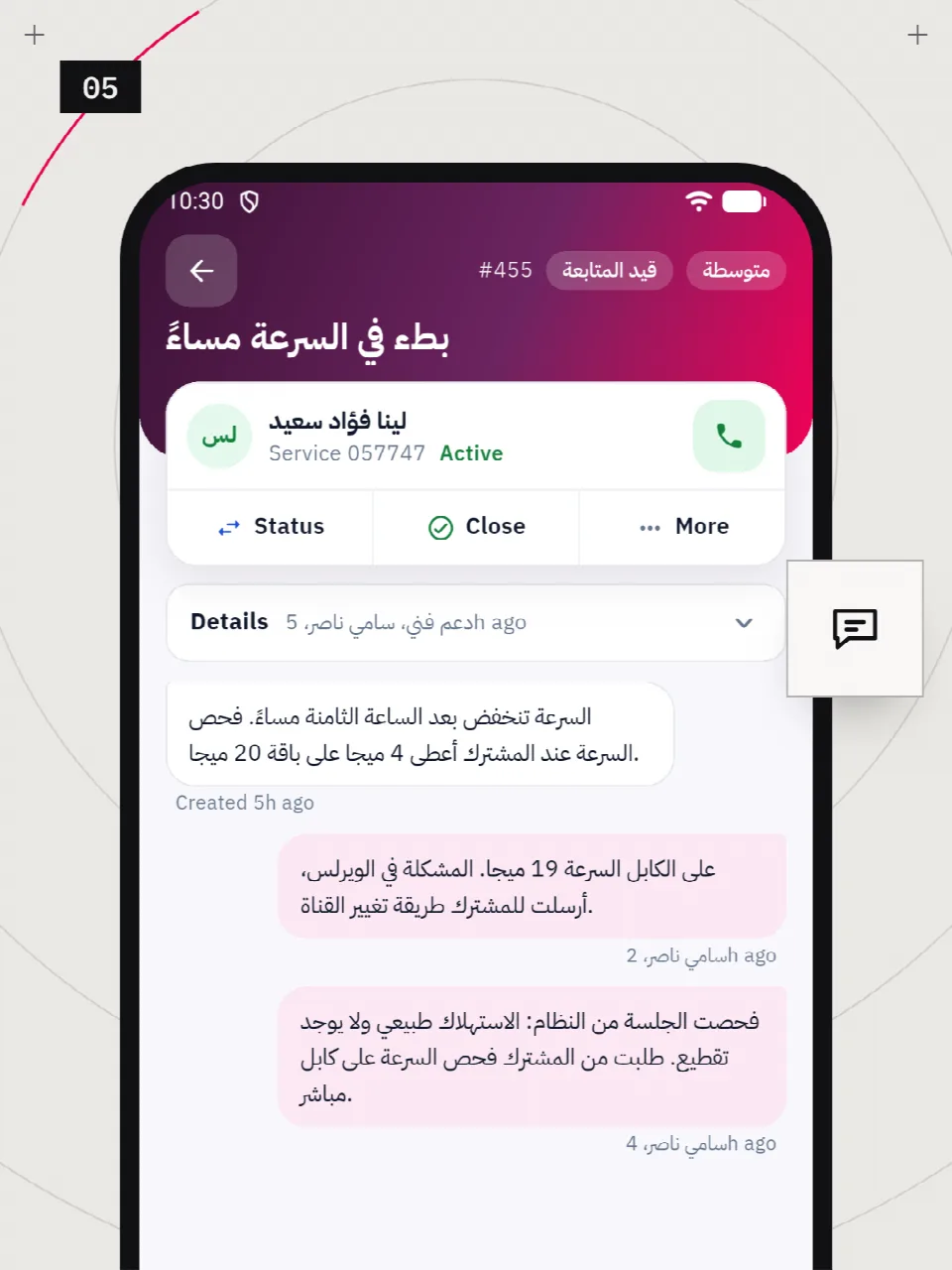
For support staff
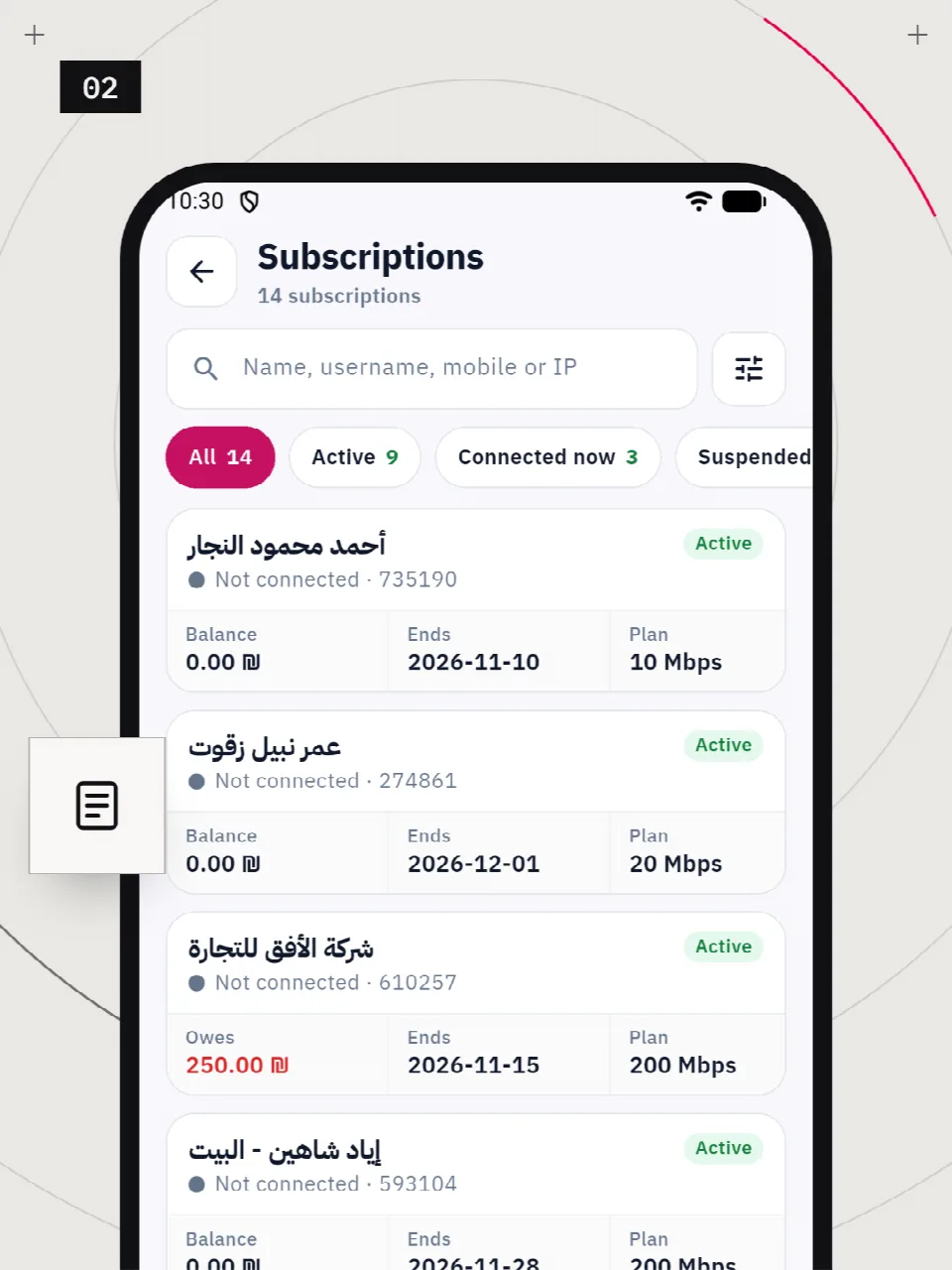
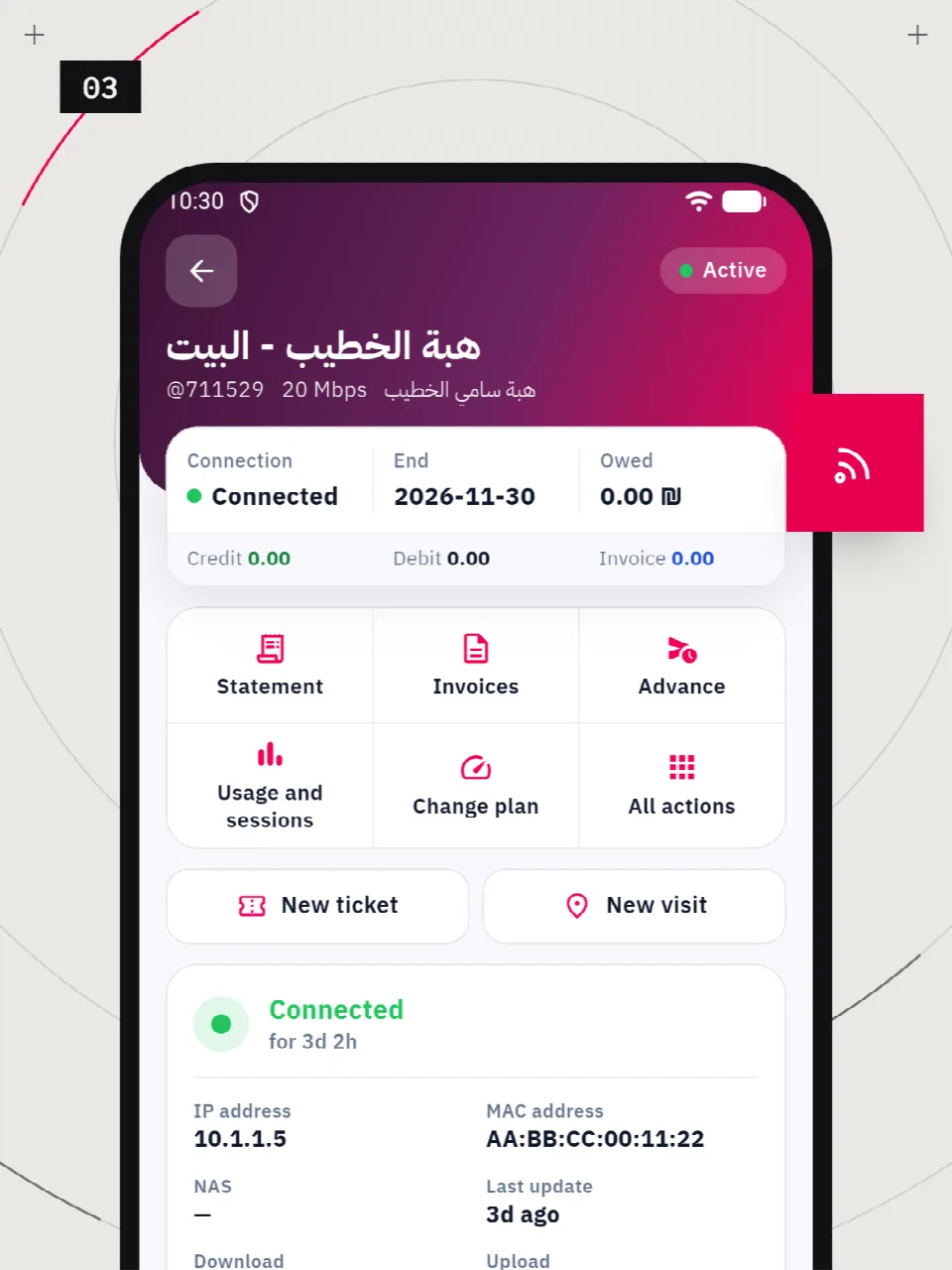
Find the customer, see their subscription, balance and technical details, and run every operation from one menu.
- Top up by cash or another payment method, with the new end date
- Advances and extensions and their cancellation, and adding an invoice
- Change package, temporary speed, quota reset
- Drop the session, stop and start RADIUS, and a ping check
- Statement, invoices, usage and the RADIUS log
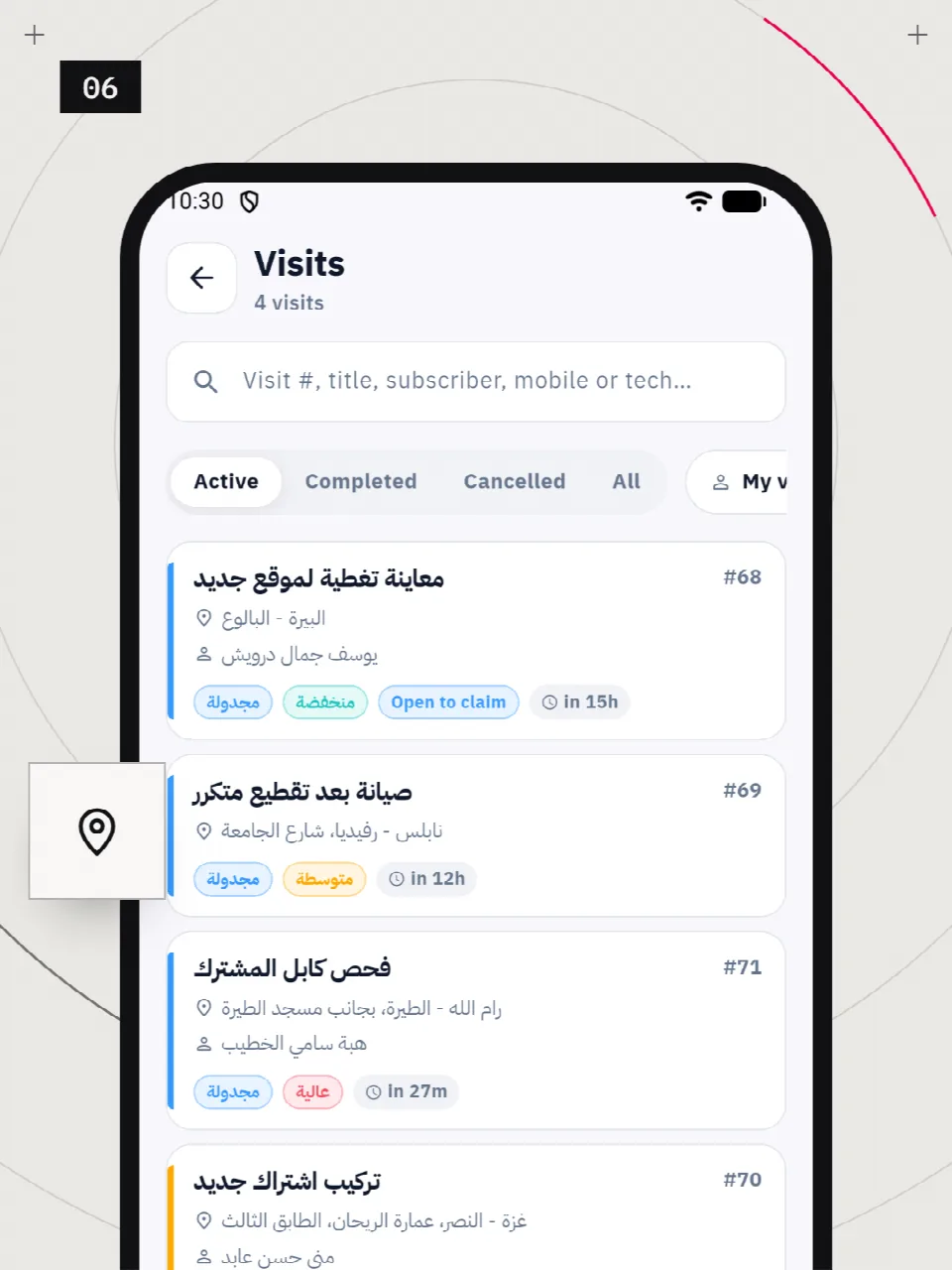
For technicians
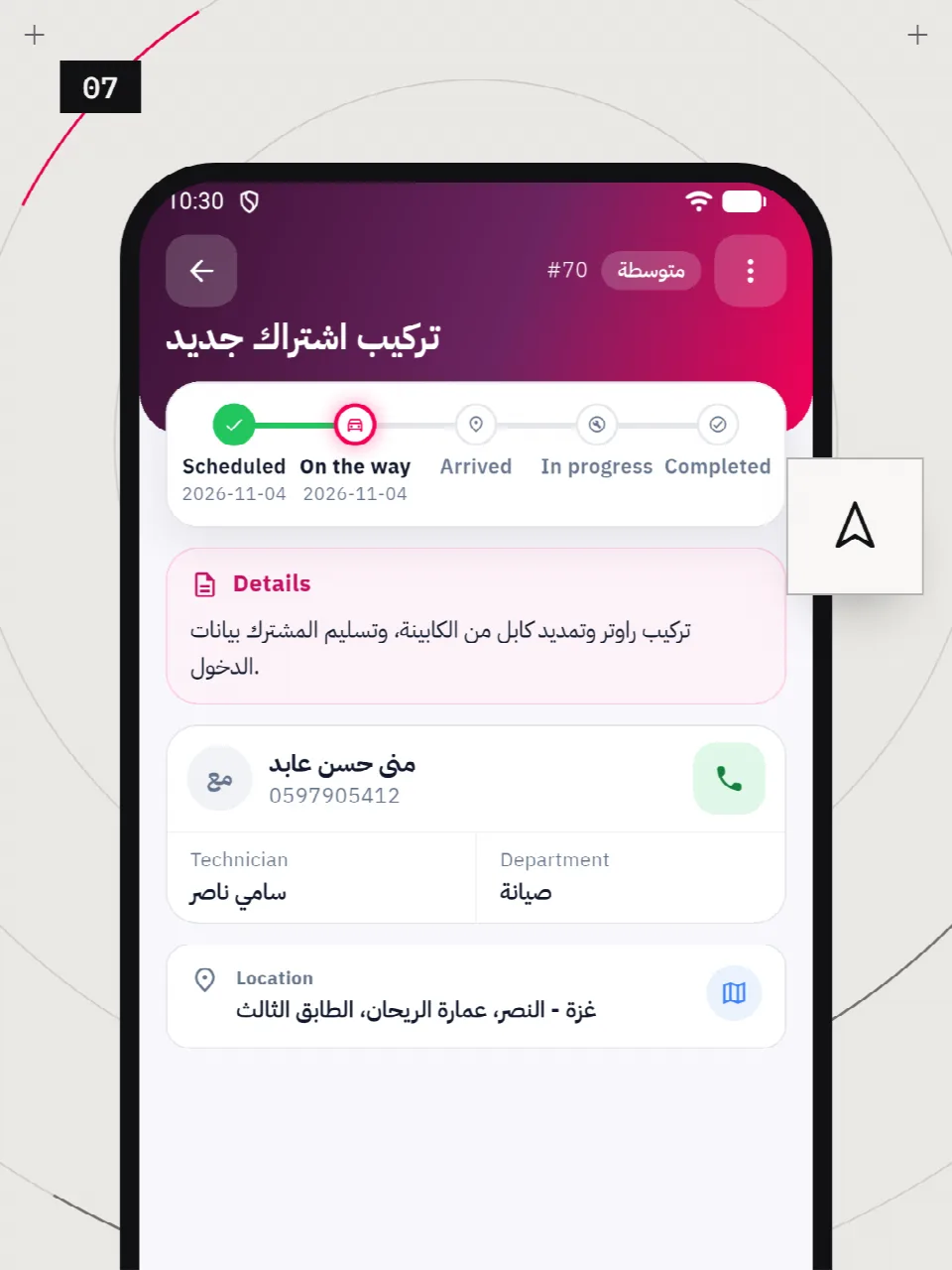
See the open visits in your city, claim one, and move it through its stages from your phone.
- On the way, arrived, work started, completed
- Location recorded at the start and the finish
- Complete with notes and photos, and close the linked ticket
- Map link and a call to the customer from the visit
For everyone
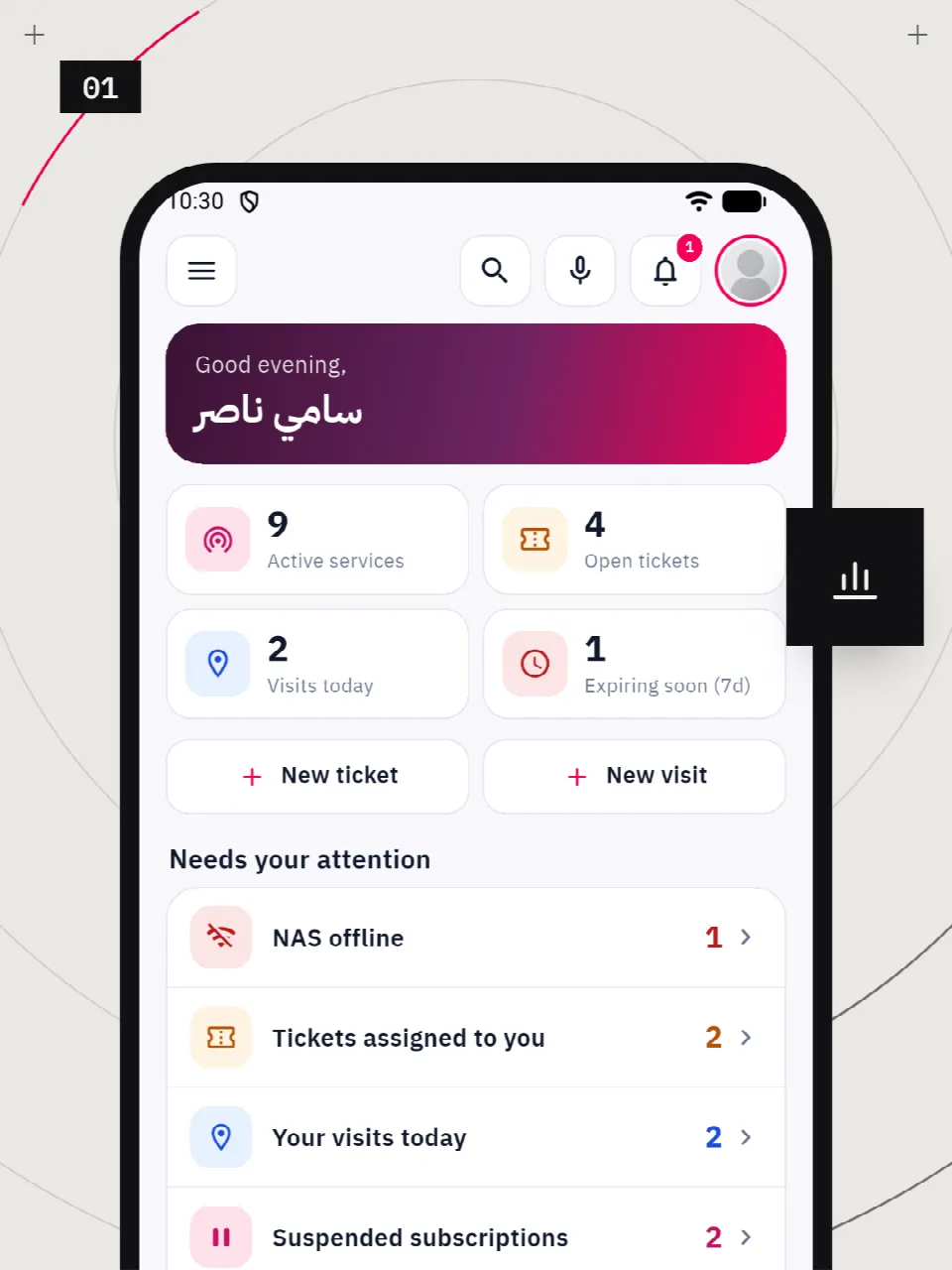
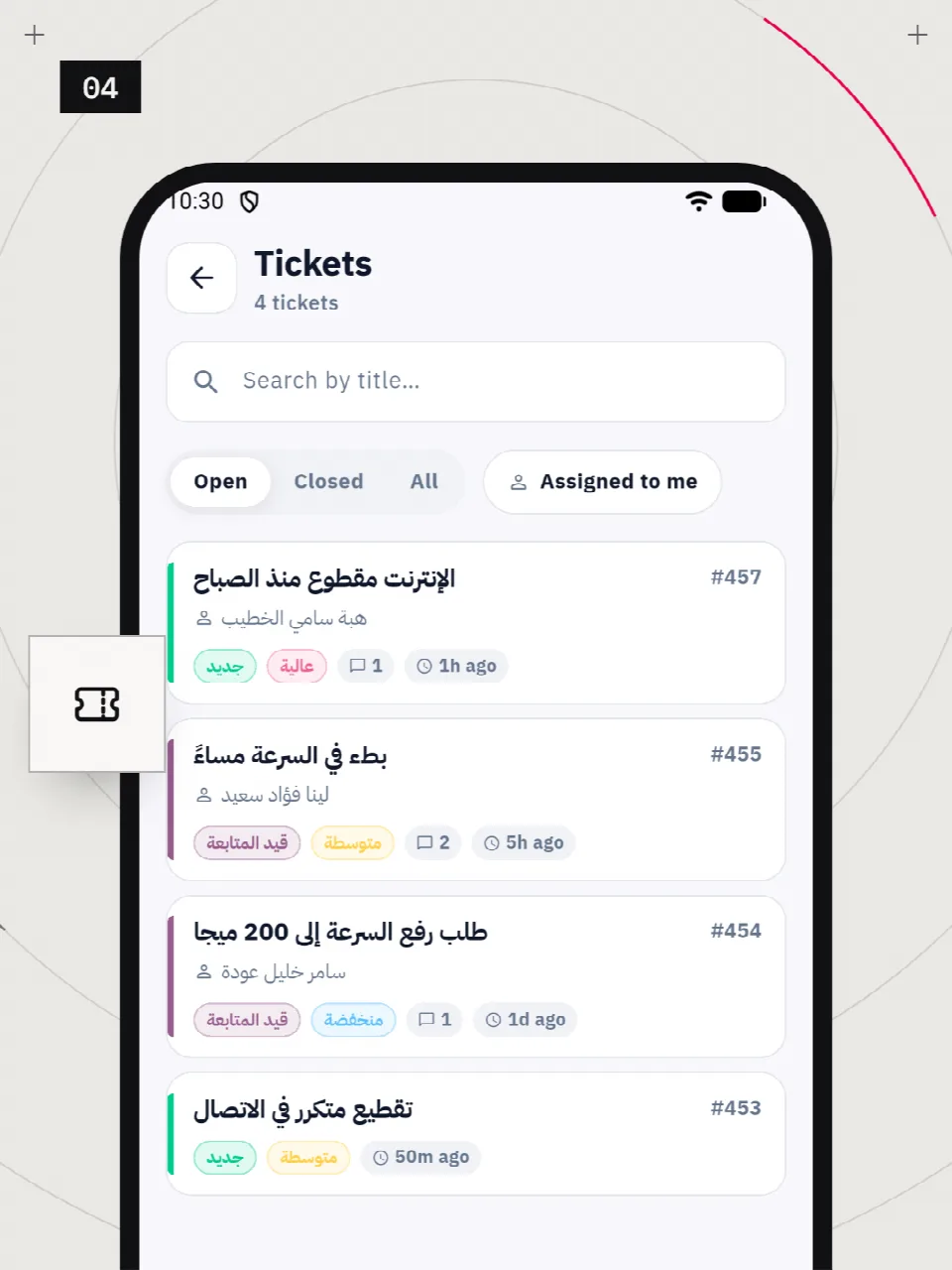
A home screen with what matters today, plus tickets, notifications and a built-in help guide.
- Tickets: reply, change status, assign, move to a department, close and reopen
- NAS status: online, offline or unstable
- The assistant by text or voice, when your company turns it on
- Arabic and English, with two fonts to choose from
Get the app
After installing, enter your company’s server address, then the username and password your administrators gave you.
Questions about the app
How do I connect the app to my company?
The first time you open the app, enter your company’s server address, then sign in with the username and password your administrators gave you.
I forgot my password. What now?
Ask your company’s administrators to reset it. There is no password recovery inside the app, because the account belongs to your company.
Why does the app ask for my location?
Only to record where you are when you tap start or finish on a visit. It does not track you in the background or on the road.
Will I see every subscriber?
You see and act within the permissions and the owner your administrators set for you.